What Now That AnyDesk Has Done It — Are There Alternatives?? Solving the AnyDesk Problem — Free AnyDesk Alternatives for Remote Control

Honestly, my friend, one of the ugliest sights I saw today is the one you see above — after such a long time using this helpful program, we were deceived into believing it would be free forever, just like many other apps that do the same job, but today it surprised us. So are we left helpless, or are there alternative methods with the same features — if not better by far?
So let us begin:
What is AnyDesk?:
Alternatives:
1- teamviewer 
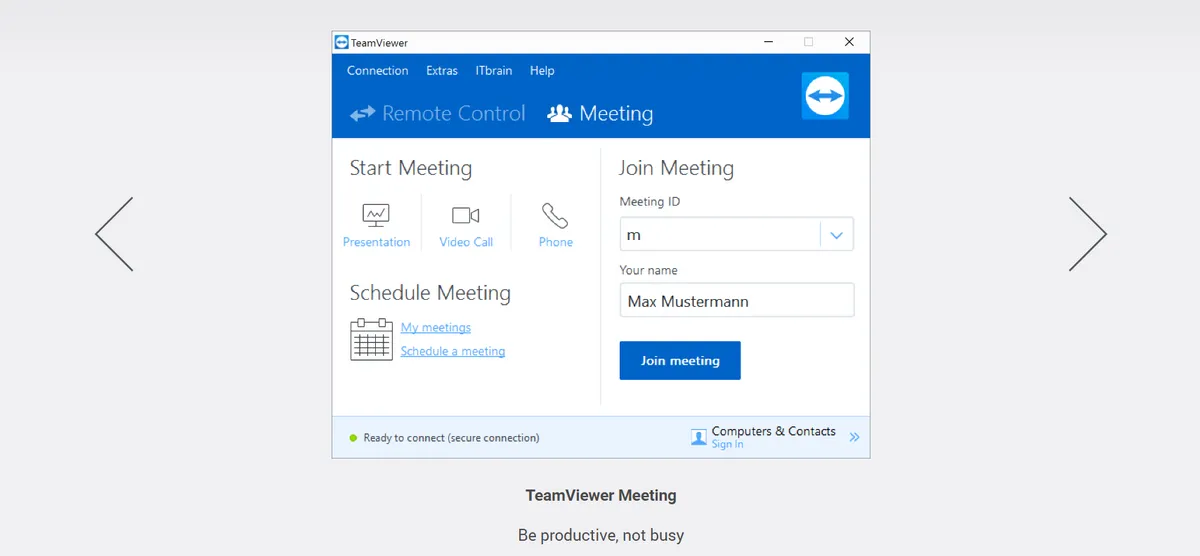
TeamViewer lets you create a connection to any computer or server within just a few seconds. You can remotely control your partner's computer as if you were sitting right in front of it.
⚫︎ TeamViewer supports the use of multiple monitors with its multi-monitor support feature.
⚫︎ TeamViewer's unattended access can connect to a computer even when no one is physically present at the remote end.
⚫︎ Screen Sharing — you can use TeamViewer to share your screen with colleagues or friends.
⚫︎ TeamViewer's desktop sharing lets you share your screen with other people in the same office or working remotely.
⚫︎ TeamViewer Portable can be used from a USB stick or similar device with no prior installation. Wi-Fi sharing — Wi-Fi sharing can help you share your Wi-Fi with friends and colleagues.
Download for Windows X64

Or
Download for Windows X86
Or
2- Chrome Remote Desktop
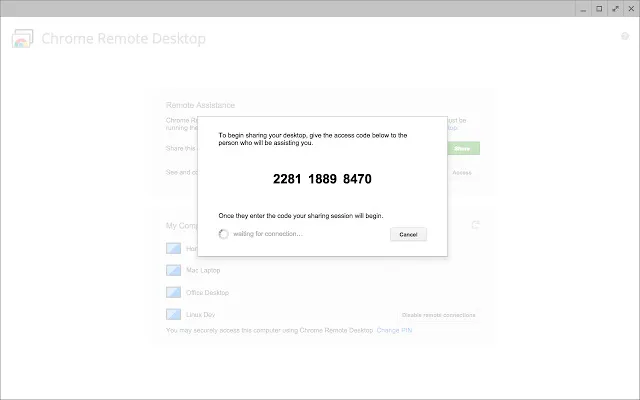
Chrome Remote Desktop allows users to remotely access another computer through the Chrome browser or a Chromebook. Chrome Remote Desktop supports English, Arabic, and 46 other languages. Suggest and vote on Chrome Remote Desktop features. Compared to AnyDesk, most users consider Chrome Remote Desktop to be an excellent alternative to AnyDesk.
Access the Tool
3- DWService
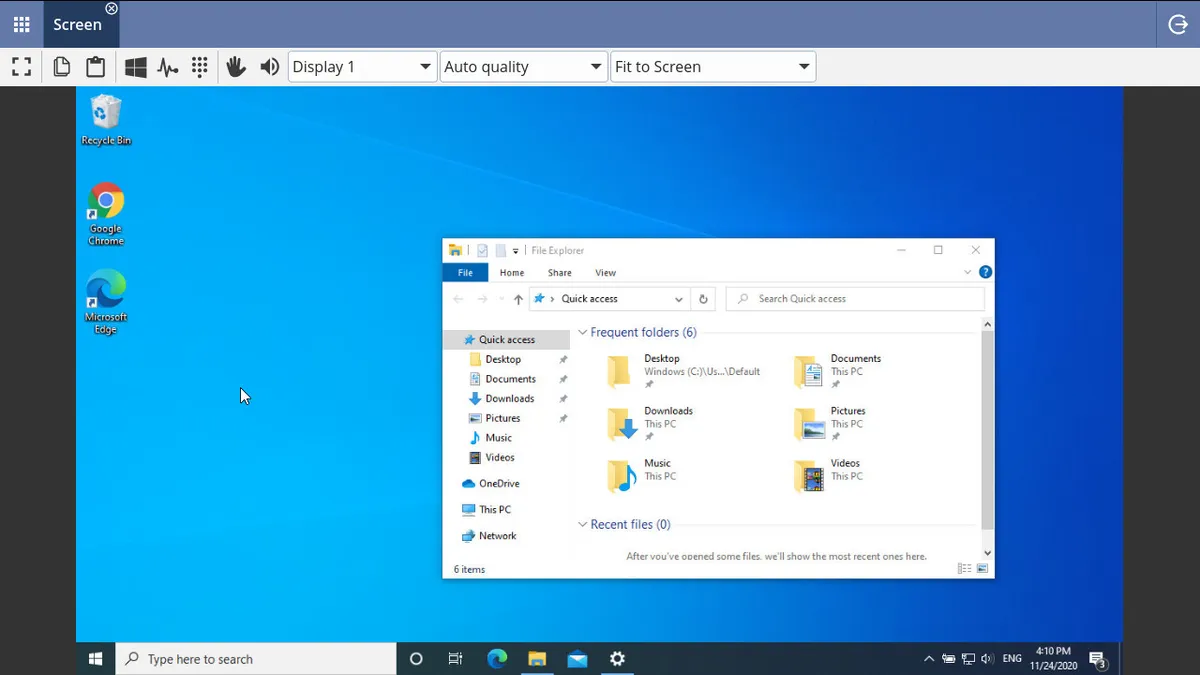
DWService is an open-source project (client/agent only) that offers a service enabling access to remote systems (Windows, Mac, Linux, Raspberry Pi…) using a standard web browser — with no component required on the client side.
⚫︎ The free service contains no external advertisements of any kind.
⚫︎ Lightweight — DWService consumes fewer hardware resources compared to similar applications.
⚫︎ Two-factor authentication — DWService supports two-factor authentication (2FA).
Download the Excellent Tool
Or
4- Parsec 
You might also be interested in:
The Best Alternative Programs to TeamViewer for Remote Device Control and Support
Top 10 In-Demand Freelance Jobs in 2023 | The best freelance jobs in 2023
Top 10 Sites to Earn Money from Downloads and File Uploads | Making Money Online