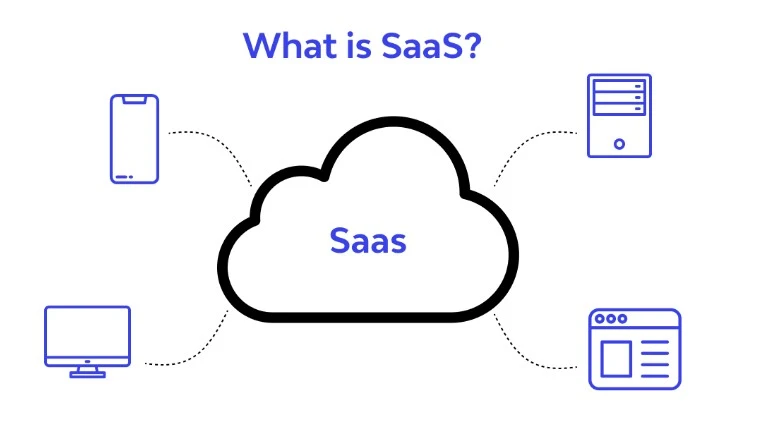
what-is-saas What is Software as a Service (SaaS)? Software as a Service, or SaaS for short, is a cloud-based method of delivering software to users.
SaaS users subscribe to an application rather than purchasing and installing it once.
Users can log in and use a SaaS application from any compatible device via the Internet .
The actual application runs on cloud servers that may be geographically distant from the user's location.
A SaaS application can be accessed through a browser or through an app. Web-based email applications that users access through a browser,
such as Gmail and Office 365 , are common examples of SaaS applications .
The difference between SaaS and installing software on a user's computer is somewhat similar to the difference between streaming
a TV show online and buying all seasons of the show on DVD .
The person who buys a TV show on DVD only needs to pay for it once;
However, they will need to store and maintain the DVDs, and if they change their devices – for example,
if they replace their DVD player with a Blu-ray player – they will need to purchase the physical media
Also: again. Streaming the show instead means that a third party handles all the storage and upgrades,
and all the user needs to do is press “Play.” However, streaming depends on an Internet connection,
and users typically need to pay a recurring monthly fee to maintain their access.
Also: What does “as a Service” mean? Consider the difference between a valet parking service and renting a parking space.
A valet parking service is a service, while a parking space is a product,
even though both provide the same benefit to the customer: a place to leave their car.
Also: Traditionally, software vendors sold their software to users as a product. However, in the SaaS model,
they actively provide and maintain the software for their users, via the cloud.
They host and maintain the databases and code required to run the application,
and they run the application on their servers. Therefore, SaaS is more like a service than a product.
Also: What is the cloud? The “cloud” refers to remote web servers in many data centers that host databases,
and run application code.
Cloud service providers deliver their services to customers or end users via the Internet. (See: What is the cloud?)
What are the three main cloud service models?
SaaS is one of the three main cloud service models. Cloud service models are categories of services
offered by cloud service providers – in other words,
companies that own and operate servers in various data centers – to users and businesses.
The three cloud service models are:
IaaS (Infrastructure as a Service): Cloud computing infrastructure – servers, databases, etc. – managed by the cloud service provider. Companies can build their own applications on IaaS instead of maintaining their own application backends themselves.PaaS IaaS , PaaS includes development tools, infrastructure, and other support for building applications.SaaS (Software as a Service): Fully built cloud applications.
What are the advantages and disadvantages of using SaaS? The SaaS model has a number of pros and cons,
although for modern businesses and users,
the pros of SaaS often outweigh the cons. Here are some advantages and disadvantages of using SaaS applications:
Advantage: Access from anywhere and on any device. Typically, users can log in to SaaS applications from any device and any location. This provides a great deal of flexibility – companies can allow employees to work from anywhere in the world, and users can access their files regardless of their location. In addition, most users use multiple devices and replace them frequently; users do not need to reinstall SaaS applications or purchase new licenses every time they switch to a new device. Advantage: No need for updates or installations. The SaaS provider continuously updates and patches the application. Advantage: Scalability. The SaaS provider handles scaling the application, such as adding more database storage or more computing power as usage increases. Advantage: Cost savings. SaaS reduces internal IT costs and overhead. The SaaS provider maintains the servers and infrastructure supporting the application, and the only cost to the business is the subscription fee for the application. Disadvantage: Need for stronger access control. The increased accessibility of SaaS applications also means that verifying user identity and controlling access levels becomes critically important. With SaaS, organizational assets are no longer kept within an internal network separate from the outside world. Instead, user access depends on user identity: if someone has the correct login credentials, they will be granted access. Therefore, strong identity verification becomes essential. Disadvantage: Vendor lock-in. A business may become overly dependent on a SaaS application provider. Migrating to a new application is time-consuming and costly if the entire organization's database is stored within the old application. Disadvantage (for enterprises): Security and compliance. With SaaS applications, the responsibility for protecting those applications and their data shifts from internal IT teams to external SaaS providers. For small and medium-sized businesses, this is less of a disadvantage, as large cloud service providers typically have more resources to put strong security in place. However, this can be a challenge if a large company faces strict security or regulatory standards. In some cases, companies will not be able to assess the security of their applications themselves, for example by conducting penetration testing. Essentially, they must take the word of the external SaaS provider that the application is secure.
Also: What are some examples of SaaS companies? As mentioned above, online email providers fall under the SaaS category. Other well-known SaaS companies include Salesforce , Slack , MailChimp , and Dropbox .