How to Clean Your iPhone Correctly
What Is the Correct Way to Clean Your iPhone:
Sometimes we need to clean our iPhone — either because it was dropped, or because dust and dirt have accumulated on it,
or for other reasons such as weak audio or microphone performance, which in most cases are caused by the device not being clean.
So what is the correct way to carry out this task?
Of course, the cleaning method varies depending on your phone model, its generation, and its level of water resistance or cleaning tolerance.
Never forget that a phone is a fertile ground for spreading infectious diseases from one place to another.
Today I will share some tips you should know before cleaning your phone,
so that you don't end up causing damage to the internal components by not following the correct cleaning method:
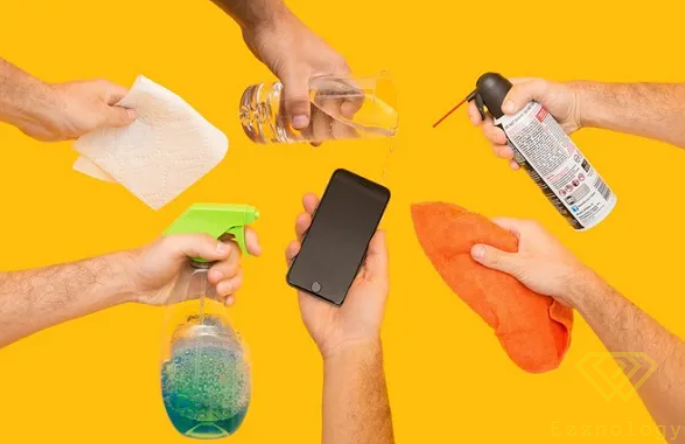
Avoid Any Chemical Products When Cleaning:
Commonly used chemical cleaning products can completely destroy and damage your phone,
because they reduce the phone's water resistance — alcohol, for example, corrodes the adhesive material
that provides water resistance under the cover or protects the screen.
On top of that, the alcohol itself can seep inside the device,
and that is where the disaster lies, because it distorts the screen and internal components of the phone.
For your information, repair technicians sometimes use alcohol specifically to remove these adhesives,
the same alcohol you used for cleaning — because it dissolves adhesive materials and makes them easy to reach the internal parts.
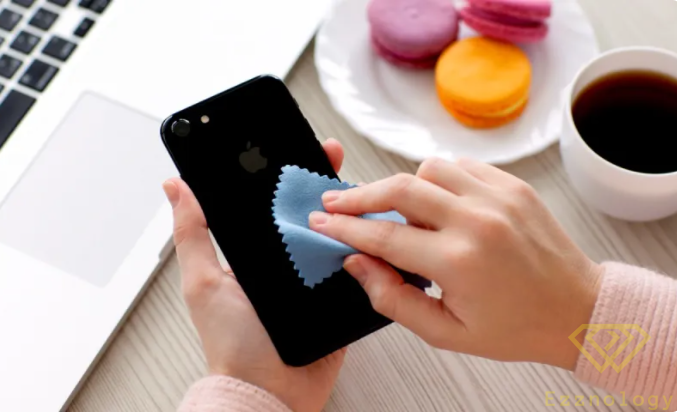
The best option of all is plain water, or using a cotton swab or a slightly damp or dry cloth — no problem with either.
You can also use warm water as Apple recommends (warm, not hot), starting from the iPhone 11.
Beware of Using Abrasive Materials During Cleaning:
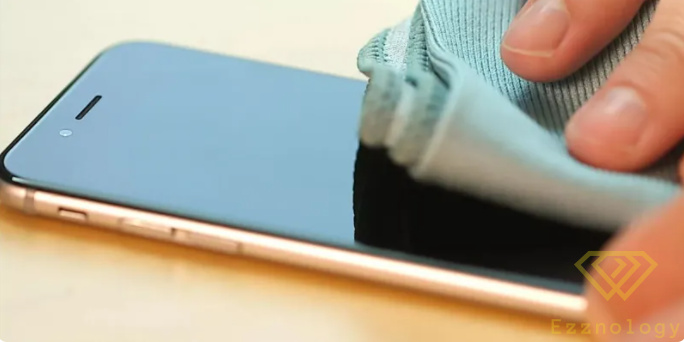
Rough materials — even cloths or garments containing coarse fibers or petroleum-based substances — can harm your phone during cleaning. It is better to use a soft cotton cloth, and best of all those made specifically for this purpose, such as cleaning phones or glass like prescription eyeglasses, which are usually microfiber.
How to Know Your Phone's Water Resistance Level:
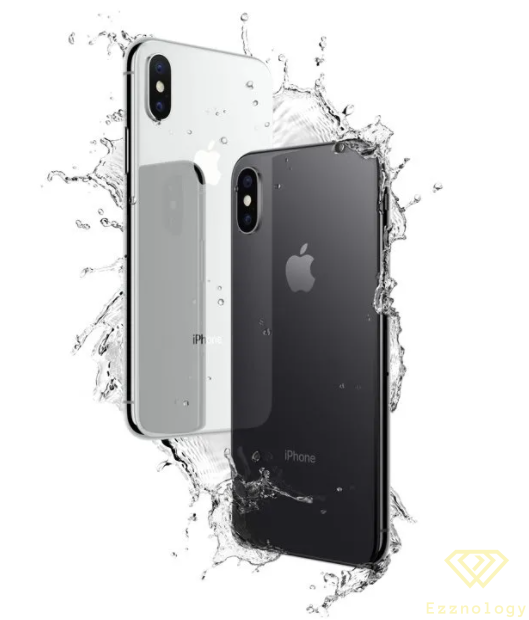
Know that not every iPhone is water-resistant, my friend — even a very small amount of water can completely damage your phone, especially older Apple devices. You must first confirm that your phone is water-resistant, and even if it is, you should still be very careful to keep it away from water.
You can find out your phone's water resistance rating by visiting the official Apple website and searching for your phone's model to review its full specifications.
Compressed Air Can Damage Your Phone:
Sometimes directing compressed air at the phone may seem like a cleaning solution, but this is not always the case — you must avoid pointing compressed air directly at the device as it can cause harm.
The Correct Method for Cleaning Your iPhone:
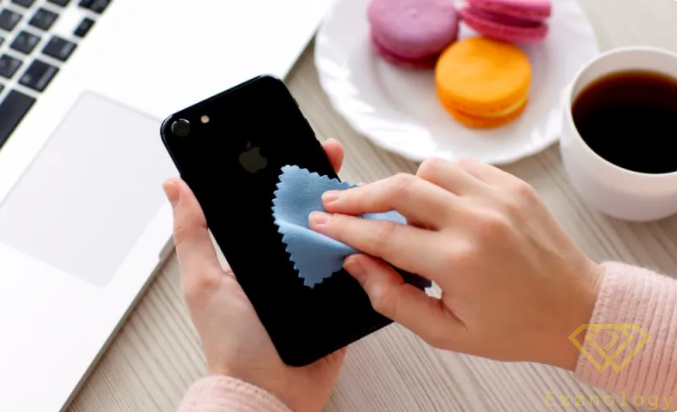
Cleaning the iPhone
Now let me tell you what the correct steps are to follow, in order, for cleaning:
- First, you must disconnect the phone from any power source and turn it off completely before starting to clean.
- Second, use the cleaning cloth we discussed earlier — it should be free of debris and residue that might enter the ports during cleaning.
- If any cosmetic products, food, drinks (especially acidic ones), dust, or sand come into contact with the phone, you should act quickly and use the cloth we just mentioned, slightly dampened with water.
- To clean the charging port of dust, dirt, or debris — or for the same reason of contact with a drink or cosmetic product — you can use a wooden or plastic toothpick together with a piece of the same type of cloth agreed upon earlier.
- Clean the charging port gently, do not use any metal object, and do not press too hard on the port — just clean it gently so as not to damage the internal contact points of the socket.
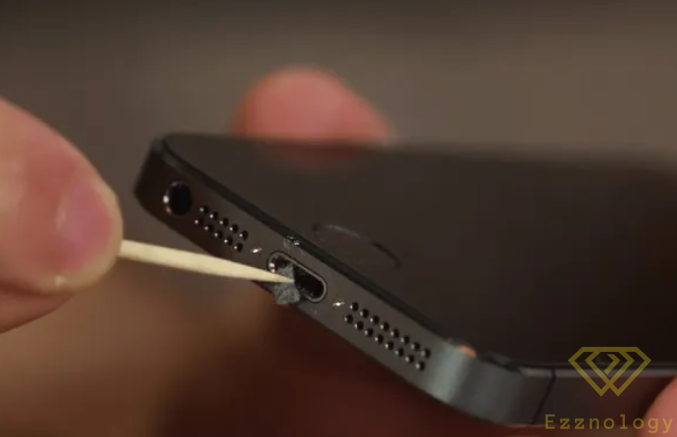
Now, when cleaning only the charging port, it is fine to use compressed air briefly — specifically to clean up what was already loosened by the cloth and wooden piece — but be careful, because incorrect use of compressed air can damage the speaker, the microphone, or the internal wiring of the charging socket. Also be aware that this cold air heats up as the device runs, due to the device's body warming internally, which can lead to a real disaster: the loosening of internal components and connections.
- To clean the speaker or external earpiece area — this area must also be handled with great care — you can use a toothbrush to clean it.
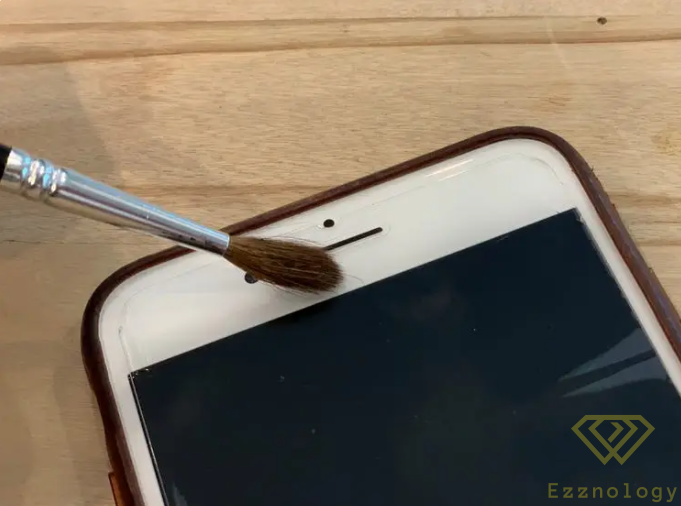
Cleaning the Speaker
[divider style=”solid” top=”20″ bottom=”20″]
Use Products Made for Cleaning:
There are products made specifically for this purpose — you may not need them in most cases since the alternatives we mentioned earlier are available,
but there are also some products that may be useful to you, for example:
1- Smart Cleaning Wipes: These are the ideal solution when you are traveling and may not have the tools mentioned earlier — these wipes are designed to clean screens, phone bodies, and some other electronic devices.
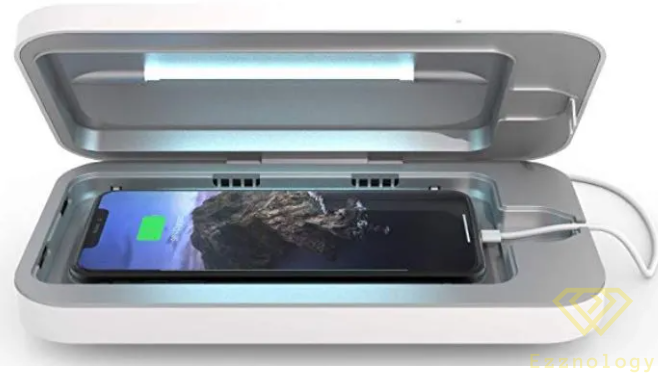
2- Ultraviolet (UV) Device: As I mentioned earlier, a phone is a fertile ground for spreading infectious diseases because as it moves from one place to another or from one person's hands to another's, bacteria and microbes can transfer with it.
This is something to consider if you let someone else use your phone or move it from one surface to another. Although Apple recommends avoiding antibacterial cleaning products,
there is always a solution available to you — these devices are not cheap, but they are the best option for eliminating microbes and germs on phone surfaces,
such as the PhoneSoap 3 device, which costs approximately $80 on Amazon.
Now tell us in the comments below what method you use to clean your phone!
Best regards,
#Ezznology
What Is the Correct Way to Clean Your iPhone:
Also read more about:
- Launch of Xiaomi 12 — the First Flagship Phone of 2022
- Exynos 2200 — A New Processor from Samsung
- Detecting Computer Viruses Without Specialized Software