MetaMask Wallet Explained

What is the “MetaMask” wallet extension?MetaMask Wallet Explained
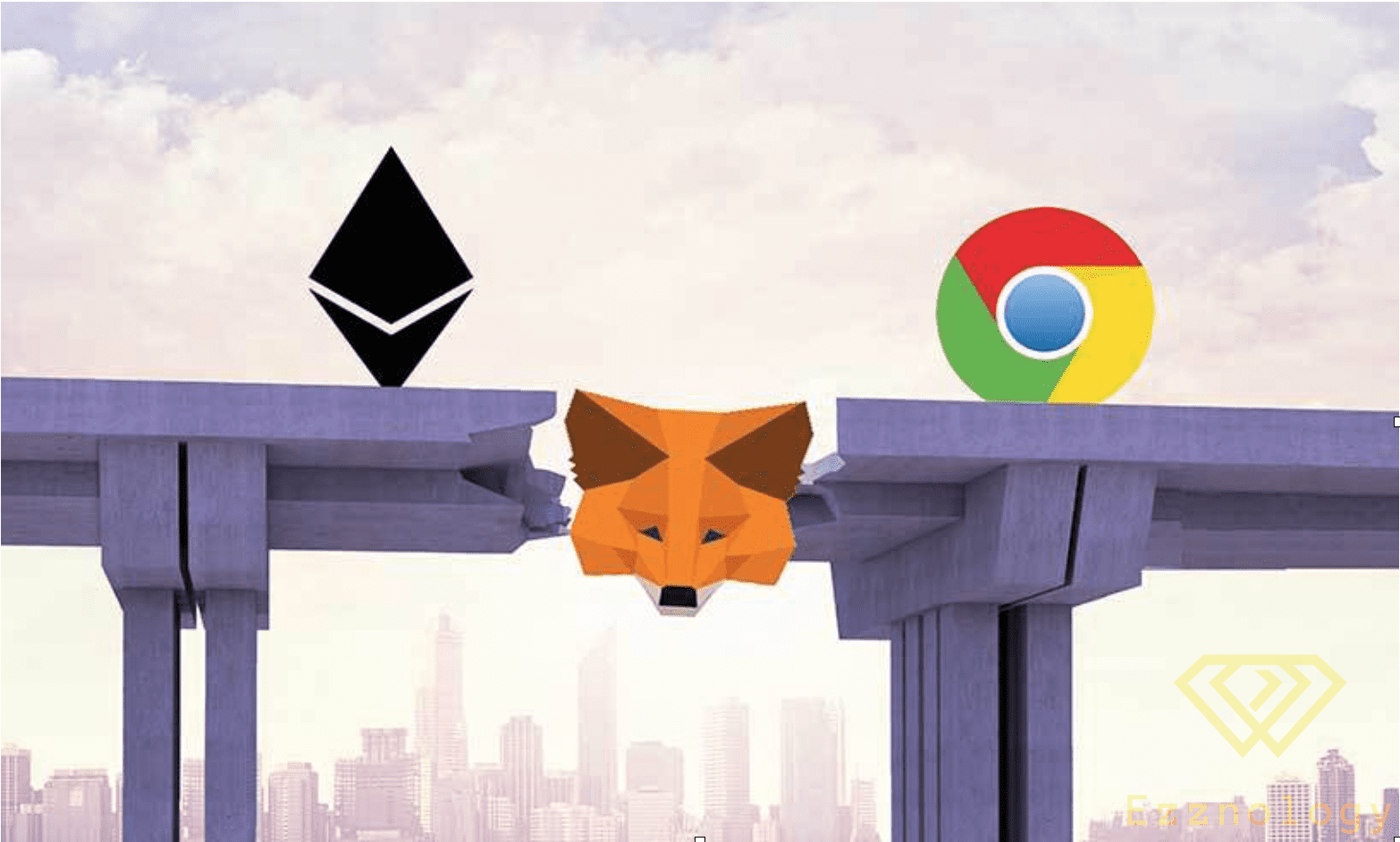
“MetaMask” is a browser extension and add-on that functions as an “Ethereum” wallet,
serving as a cryptocurrency wallet while also providing a way to interact with the Ethereum network at the same time,
as this extension or wallet is installed like any other add-on or component, after which it can be used,
MetaMask allows its users to store “ETH” and other tokens such as “ERC-20″,
which are also built on the Ethereum network, through connecting to decentralized applications,
to enable those players and users of decentralized applications to use these encrypted “ERC20” tokens,
and trade them between the game and users,
<
div
How to use ”MetaMask”:
To use the MetaMask wallet you will need one of the following browsers, for example — you can download the browser by clicking on its name,
“Google Chrome” or “Firefox” or “Opera” or “Brave” — and throughout this guide we will be using the “Chrome” browser,
and the steps are largely identical for all other browsers. Follow the steps below:
- Open the website MetaMask.io and download the extension, as shown in the image

Then after that

Also

2. Now you can see the extension on “Chrome” which displays a privacy notice and asks you to accept it,

3. After that, click the “Create a Wallet” button as shown in the image

4. After accepting the privacy notice, you will be asked to accept the Terms of Service

5. Now you must set a password and create your wallet by clicking the Get Started button

6. A 12-word seed phrase will be displayed — you must copy it and store it somewhere without internet access, and make sure to keep it in a secure location

7. Confirm your secret backup phrase on the next screen by entering the words in the same order as before

Your MetaMask wallet setup is now almost complete

What are the advantages of using the ”MetaMask” wallet?
1. Popular: One of the most important advantages of ”MetaMask” is that it is very well-known in the world of blockchain and digital currencies,
and simply using it gives you access to a wide range of “Dapps”,
2. Simple and easy: Instead of personally managing your private keys on the blockchain, ”MetaMask” does that on your behalf,
3. Saves storage space: The user does not need to download the full Ethereum blockchain — it sends requests outside your device.
Drawbacks of using “MetaMask”:
- .1 Third-party usage: ”MetaMask” loads private keys for each user inside the browser, which means it is less secure.
- 2. Reliance on external nodes: This means external nodes may go down at certain times or under certain conditions, which would also cause the extension to stop working.
Alternatives to “MetaMask”:
We can say that “MetaMask” is the most popular extension that integrates with decentralized applications and facilitates their use as well,
but it is not the only one — there are several alternatives, including but not limited to:
“Parity”, “Mist browser”, “MyEtherWallet”
MetaMask also has the ability to connect to “TREZOR” hardware devices to transfer and conduct Ethereum transactions,
to and from them, in order to keep cryptocurrencies secure,
MetaMask Wallet Explained
In Conclusion:
The MetaMask extension is an easy entry point to the growing space of decentralized applications “dapp”,
which reached one million users on Google Chrome in February 2020,
and in September 2020, “MetaMask” launched the “MetaMask Mobile” app for Android and iPhone devices,
which was the first smartphone application, allowing the smartphone app to let users create new accounts,
or sign in using their existing MetaMask account,
and it also provides the same functionality as the browser-based extension.