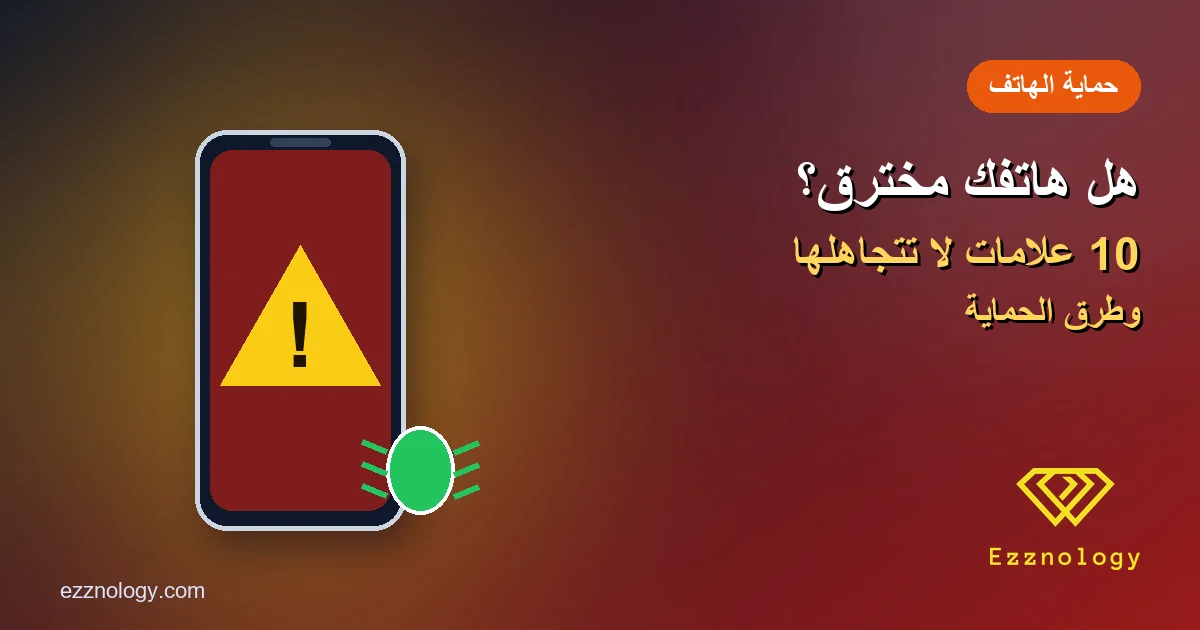
How to Know If Your Phone Is Hacked: 10 Signs and How to Fix It

"Is my phone hacked?" is one of the most searched questions online, usually after something unsettling: a battery that drains unusually fast, a strange message sent from your account, or ads suddenly popping up everywhere.
The good news is that most of these symptoms have innocent causes. The less good news is that some can be real signs of spyware or malware. This guide covers 10 signs your phone may be hacked, how to check yourself, and what to do step by step if you confirm it.
How do phones get hacked?
Usually the attacker needs a small user mistake rather than special skills: installing an app from outside the official store, tapping a phishing link asking you to "update your details", granting an app more permissions than it needs, or skipping updates for months. Less often, someone close installs spyware after learning your unlock code.
10 signs your phone may be hacked
1. The battery drains abnormally fast
Spyware runs constantly in the background. An old battery or a badly built app can do the same, so check your battery settings for the heaviest apps.
2. It gets hot while idle
Heat while gaming or charging is normal; heat while it sits unused may mean something is running without your knowledge.
3. A sudden jump in data usage
If data use doubles without a change in habits, check usage per app. An unknown or simple app using hundreds of megabytes deserves a closer look.
4. Apps you don't remember installing
Go through the full app list, not just the home screen; some malware hides its icon or poses as "System Service" or "Update".
5. Pop-up ads everywhere
Ads on the home screen or inside apps that never show ads point to adware, often bundled with a free app from an untrusted source.
6. Messages or calls you didn't make
Friends receiving strange messages from you, or calls and texts in your log you never made, are among the clearest and most serious signs.
7. Login alerts you didn't trigger
An alert from Google, Facebook or WhatsApp about a sign-in from an unknown device means your account is at risk; act immediately.
8. Camera or microphone indicator turns on by itself
iPhone and recent Android versions show a colored dot when the camera or mic is in use. If it appears unexpectedly, pull down the notification shade to see which app is responsible.
9. Settings changed without you
A new browser homepage, a different keyboard, or an app with "device admin" or accessibility access should never appear on its own.
10. Slow and freezing
Slowness alone proves nothing, as full storage can cause it. Combined with two or three of the signs above, malware becomes much more likely.
How to check yourself
- Android: open Google Play, tap your profile, then Play Protect and scan. Review "device admin apps" and accessibility services in Settings.
- iPhone: go to Settings, General, VPN & Device Management; remove any profile you don't recognize.
- Accounts: review connected devices in your Google account or Apple ID, and in WhatsApp under Linked Devices.
- Call forwarding: dial *#21# on most networks to see if calls or texts are being forwarded.
What to do if your phone is hacked
- Disconnect from the internet while you clean up.
- Remove suspicious apps, revoking device admin rights first if needed.
- Change passwords from another clean device, starting with email, then banking, then social media.
- Turn on two-factor authentication, preferably with an authenticator app rather than SMS.
- Update the operating system and all apps.
- Factory reset as a last resort, and be careful not to restore a backup that brings the malware back.
If there are suspicious payments, contact your bank immediately to block the card and keep screenshots of anything unusual.
How to prevent it
- Install apps only from the official store and read the permissions they request.
- Don't tap links in messages about updating details, prizes or held parcels.
- Use a strong lock code, don't share it, and enable fingerprint or face unlock.
- Keep automatic updates on for the system and apps.
- iPhone users facing targeted threats, such as journalists and activists, can turn on Lockdown Mode.
FAQ
Can a phone be hacked just by receiving a message?
Advanced "zero-click" attacks exist, but they are rare, expensive and usually aimed at specific targets such as journalists and politicians. For everyday users, the bigger risk is links and apps they open themselves, and vendors fix such flaws quickly in updates.
Does a factory reset always remove a hack?
In the vast majority of cases, yes. The problem can come back if you restore a backup containing the malicious app, or if the account itself is compromised and the password wasn't changed.
Do I need antivirus on my phone?
Built-in protection on Android and iPhone is enough for most people who keep updates on and stick to official stores. A security app from a known company can help if you sideload apps; avoid unknown "cleaner and booster" apps, which can be the problem themselves.
The bottom line
One sign doesn't mean your phone is hacked, but several together deserve a serious check. Protection comes down to simple habits: regular updates, trusted apps, caution with links and two-factor authentication on important accounts. If something feels off, acting early always beats regret.
Because your phone is your daily gateway to the internet, our interest extends from following Arabic websites and specialized blogs, to what Egypt stores, Kuwait stores, vitamin stores and international sites offer, with Mashhor for social media services as a key to growth.
That's it, friends. We hope you found this useful ✌
Best wishes from the #Ezznology team.
Join our community on Telegram and our Facebook group, and follow us on Google News.
You may also like:
How to Protect Your Accounts From Hacking
Signs Your Google Account Has Been Hacked
Malicious App Targets WhatsApp Backups on Android